 BAPER RASTA
Baper Rasta controls
One table for the keyboard and the on-screen buttons. Boost can fight the arrow keys; the guide already names the workaround.
Showing 13 of 13 items
| Name | Action | PC | Mobile | Notes | Status |
|---|---|---|---|---|---|
| Drive | accelerate | W or ↑ | চালান button (right thumb) | Held upright, Boost sits above Drive | 官方指南 · 1 个来源 |
| Brake | brake and reverse | S or ↓ | ব্রেক button | Holding it after a stop moves the auto backwards | 官方指南 · 1 个来源 |
| Steer | steer left and right | A / D or ← / → | two arrow buttons under the left thumb | — | 官方指南 · 1 个来源 |
| Boost | boost | Space or Shift | ⚡ টান button | Drives even without ↑ but drains charge; if ↑+←+Space fails, use the right Shift | 官方指南 · 1 个来源 |
| Horn | horn | H | horn button above the steering arrows | Rickshaws, autos, bikes and CNGs ahead edge aside | 官方指南 · 1 个来源 |
| Sound bomb | sound bomb | B | sound bomb button above the steering arrows | Small vehicles ahead get out of the way; plays satirical lines such as খাইছি তোরে | 官方 + 媒体 · 2 个来源 |
| Sound on / off | toggle sound | M | — | — | 官方指南 · 1 个来源 |
| Start from the menu | start a run | Enter or Space | রাস্তায় নামেন button | — | 官方指南 · 1 个来源 |
| Play again | replay from the newspaper | Enter or R | আবার চালান button | — | 官方指南 · 1 个来源 |
| Back to menu | return to the menu | Esc | — | — | 官方指南 · 1 个来源 |
| Camera | change camera | C | — | Listed on the Bengali in-game HUD but not in the English guide's control table — keep both notes | 游戏内 HUD · 1 个来源 |
| Pause / stop | pause the run | P or Esc | — | Listed on the Bengali in-game HUD; Esc alone is the English guide's menu key | 游戏内 HUD · 1 个来源 |
| Mouse look | look around | drag with the mouse | — | — | 游戏内 HUD · 1 个来源 |
When boost kills your turn
The English guide says some keyboards cannot register the up arrow, a side arrow, and Space together. If the boost stops the turn, use the right Shift instead of Space, or let go of the up arrow and hold only Space. The boost drives the auto by itself. That is the whole clash. There is no separate “remap” page.
Phone layout
The left thumb has two arrows, with the horn and the sound bomb above them. The right thumb has a large Drive button, চালান. Held upright, Boost sits above Drive and Brake sits beside it. Held sideways, Boost sits above Brake and both sit beside Drive. You can slide between buttons without lifting the thumb. The Bengali labels match the English guide.
Keys the English guide skips
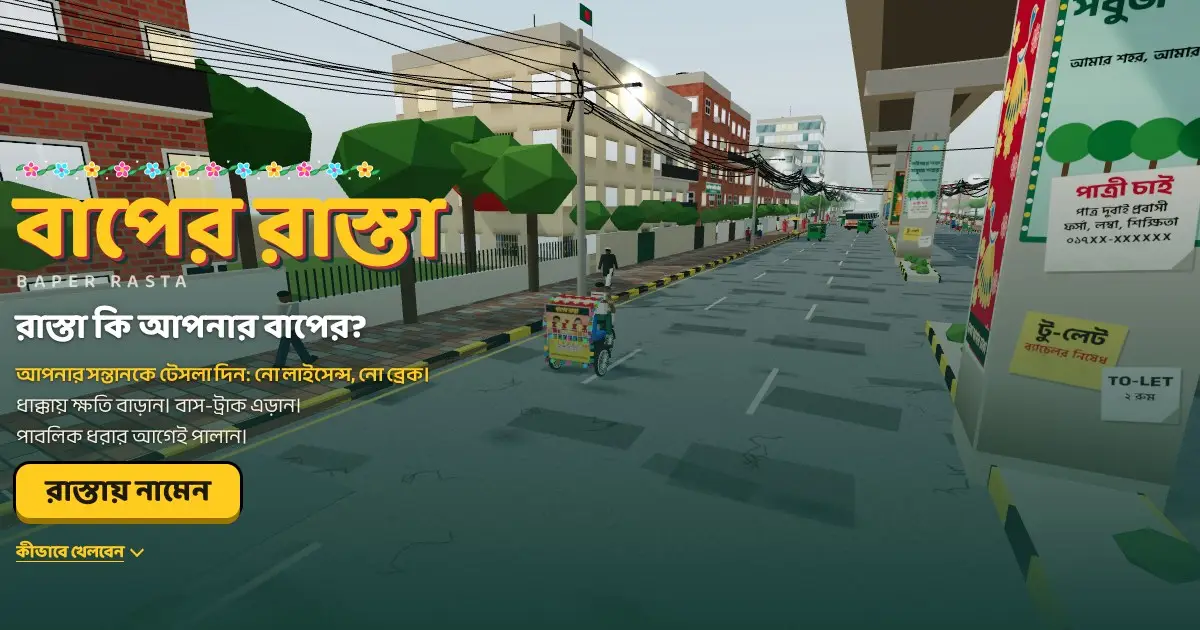
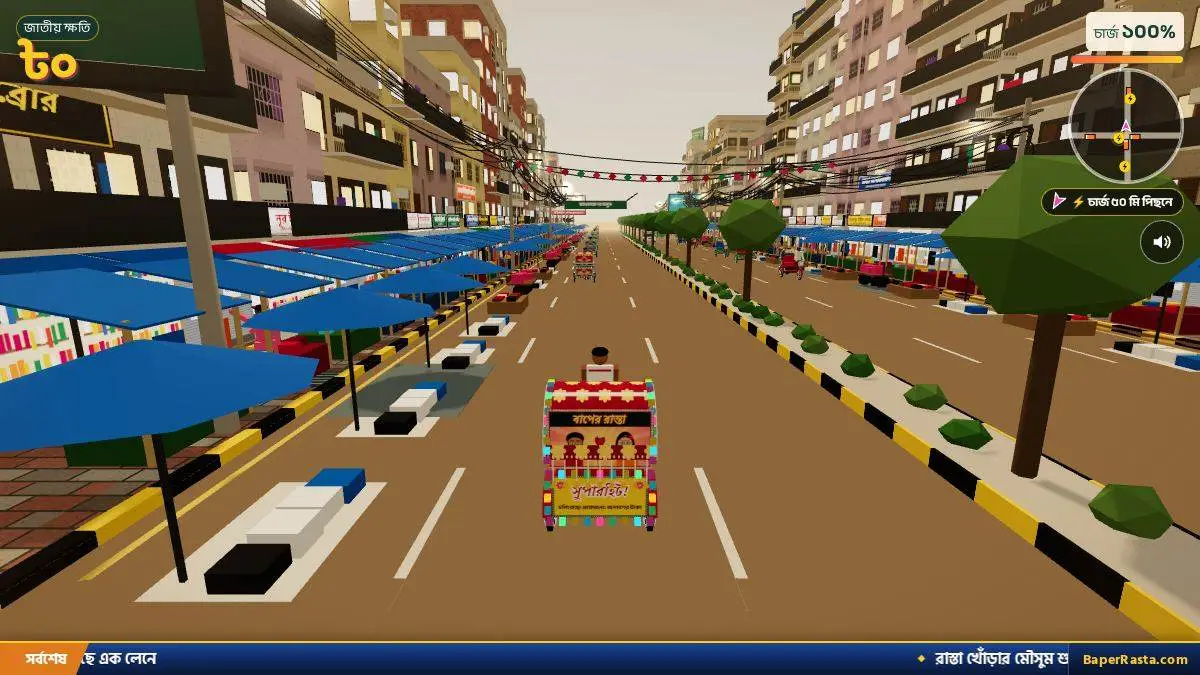
The on-screen help on the game page lists C for the camera, P or Esc to pause, and a mouse drag to look around. The English guide does not list those three. I keep them in the table with the status “official HUD · 1 source” inside the controls list, and I do not pretend the written guide confirmed them.
- Horn (H) makes a rickshaw, auto, bike, or CNG edge aside.
- Sound bomb (B) moves smaller cars and plays lines such as খাইছি তোরে.
- Enter or R starts another run from the newspaper. Esc returns to the menu.
- The guide never mentions a gamepad, so this page does not claim one.
Questions
Which keys do I use in Baper Rasta?
W or up to drive, S or down to brake and reverse, A and D or the side arrows to steer, Space or Shift to boost, H to horn, B for the sound bomb, M to mute.
What are the PC controls if boost stops turning?
Use right Shift instead of Space, or release the up arrow and hold Space alone. The guide says the boost moves the auto by itself.
Sources
- Official English guide — checked 2026-11-04
- Official Bengali guide — checked 2026-11-04
- Official game page — checked 2026-11-04