 BAPER RASTA
Baper Rasta on mobile and PC
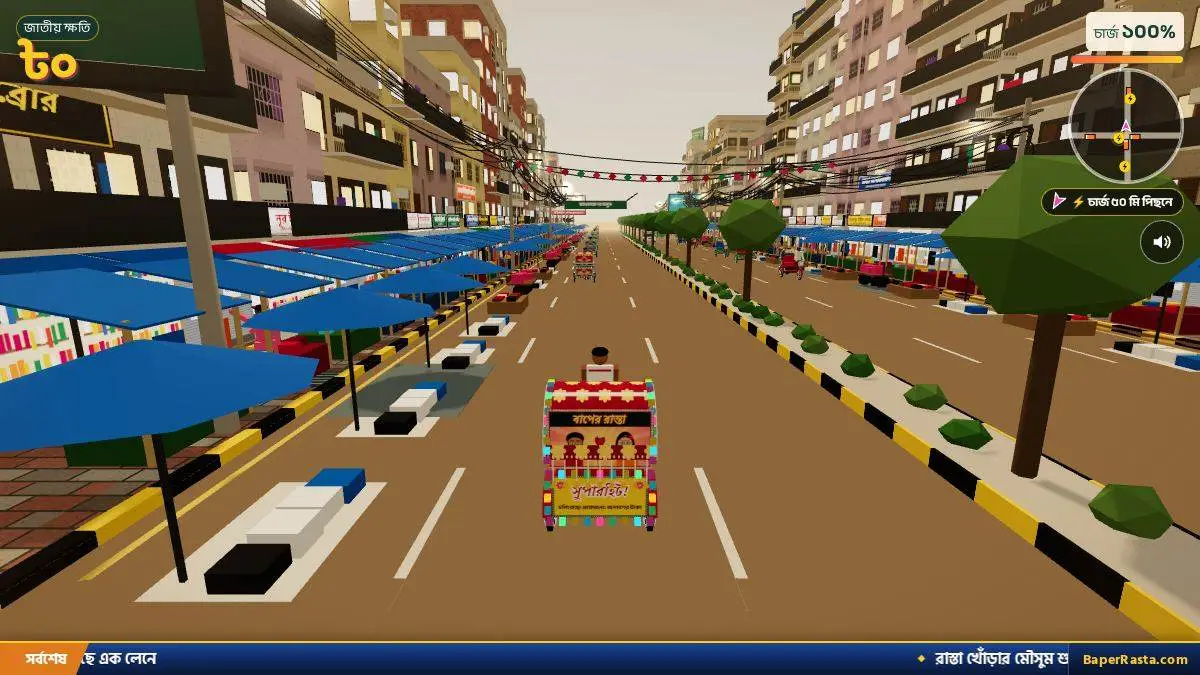
The official guide supports phone browsers and describes Google Play as coming soon. The guide says a weak phone lowers the graphics by itself.
| Device | How | Status |
|---|---|---|
| Android browser | Play in Chrome. Home-screen button in the menu. | Official guide · 1 source |
| iPhone browser | Play in the browser. The page shows install steps. | Official guide · 1 source |
| Windows, Mac, Linux | A desktop browser. No .exe. | Official guide · 1 source |
| Orientation | Portrait or landscape. Manifest says any. | Manifest · 1 source |
| Store app | Google Play “coming soon.” No App Store app named. | Official guide · 1 source |
Thumbs
Left thumb: two arrows, horn and sound bomb above them. Right thumb: Drive. Upright, Boost is above Drive and Brake is beside it. Sideways, Boost is above Brake and both sit beside Drive. Slide between buttons. The full key list is on controls.
Sound, speed, and the home screen
M mutes on a keyboard. The guide does not name a separate phone mute, so I do not invent a button. A weak phone drops quality to stay smooth. That is the guide’s line, not a benchmark. From the home-screen icon the game is fullscreen and can run offline. Facebook and Messenger’s in-app browser hide the install button, so open Chrome first.
Desktop
The same page runs on a computer. Keyboard notes, including the arrow-plus-Space clash, live on the controls page. There is no minimum browser version in the guide, so this page says “a current browser” and stops there.
Questions
Can I play Baper Rasta on mobile?
Yes. The guide says Android and iPhone browsers both run it, and a weak phone lowers the graphics on its own.
Can I play on PC?
Yes, in a desktop browser at baperrasta.com. There is no official Windows installer.
Sources
- Official English guide — checked 2026-11-04
- Web app manifest — checked 2026-11-04